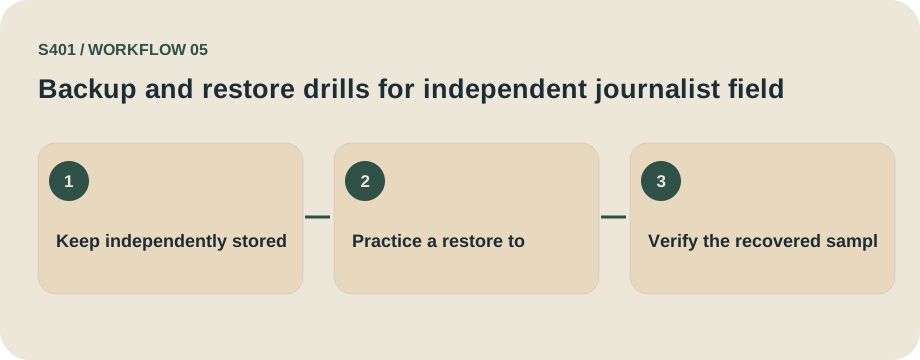
Three-stage practical decision map for this guide.
Test recovering reporter notebooks and source keys
A backup is useful only if an authorized person can actually recover the expected records. For independent journalist field notes, test the recovery route with fictional or redacted examples rather than exposing live private information.
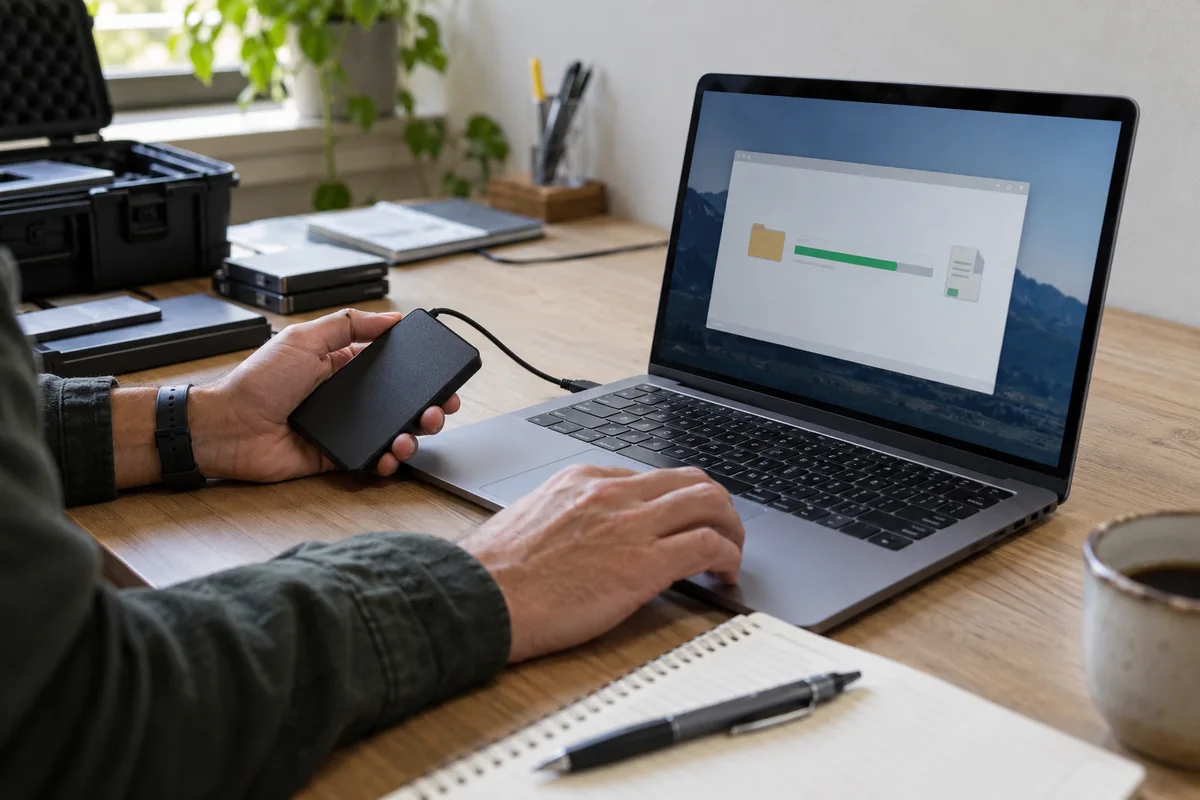
Define the recovery event
Decide what an outage means for independent journalist field notes: a lost laptop, corrupted archive, accidentally overwritten record or staff departure. A recovery copy should preserve the material that the reporting lead and an explicitly assigned editor is legitimately responsible for retaining.
Run a controlled drill
Practice restoring a redacted sample after an offline-device loss; test that the identity key has not accidentally rejoined the publishable notes. Use test or synthetic material, note the backup timestamp and record the exact files restored; failure should trigger a backup-plan revision rather than repeated destructive retries.

Protect the key and the backup
Document how the authorized holder retrieves the needed credentials. A backup encrypted with an unknown password is not a successful recovery design. Test both the encrypted original and a separate restoration location to avoid contaminating the production archive. For journalist notebooks, this means checking interview audio, handling source identity keys separately, and using a redacted source note as the review example. Use the test archive and an offline copy to establish who can recover it if the primary custodian becomes unavailable.
Drill evidence: record the selected draft transcripts, backup timestamp, restore operator, chosen target folder and a non-sensitive checksum or version identifier.
Practical implementation checklist
- Identify the accountable approver for independent journalist field notes and write down the exact event being protected.
- Choose a non-sensitive sample drawn from the same format as draft transcripts; never use a real identity, key or patient record in a public example.
- Compare the unprotected working copy, restricted recipient copy and intended retained copy. Confirm where extra versions are created.
- Record the approved destination, any failed test, and a date for reassessing the workflow when personnel or software changes.
Questions readers should resolve
Can a new password always open an old encrypted archive?
No. Changing an account password is not equivalent to possessing the original decryption key. For journalist notebooks, this means checking interview audio, handling source identity keys separately, and using a redacted source note as the review example. Use the test archive and an offline copy to establish who can recover it if the primary custodian becomes unavailable.
Who should approve this independent journalist field notes workflow?
Assign a named owner. In this context, start with the reporting lead and an explicitly assigned editor and confirm the applicable organizational authority.
Research and documentation
These sources support the technical boundaries described here. They are not substitutes for testing the current software on the target device, checking legal requirements, or independently confirming product claims.
Editorial note: No paid link placement is required for this guide. Product information, if mentioned, describes one possible tool and should not be read as an endorsement or an assertion of universal compatibility.